3 Live Call Transfer Types and a Fallback When No One Answers
Learn how to route qualified phone leads with warm, cold, and hybrid transfers, a clear handoff sequence, fallback planning, SLAs, and an AI receptionist.

How many customers are slipping away before you can answer?
Answer 4 quick questions and get a simple missed-call estimate for your business.
Answer with one tap. Contact details come after your result.
Here is the estimate.
Thanks. Your result was received.
A live call transfer connects an active caller to another agent, department, or queue while the call is still in progress, so the person never has to hang up and call back. We use it whenever a caller qualifies for a specific team, needs to escalate an issue, or is ready to book an appointment with a specialist. Done well, it shortens the handoff and lifts conversion because the prospect is still warm when the right person picks up.
TL;DR:
- Use warm transfers for qualified sales leads and appointment bookings, because briefing the receiving agent preserves context; cold transfers suit simple routing.
- Set transfers to wait until the receiving agent answers, test a dead line, and provide a callback or alternate queue if nobody picks up.
- Send the receiving agent the caller’s name, intent, and qualifying details through the CRM, and confirm the agent is ready before bridging the call.
- Build a warm transfer program when appointments and lead value justify staffing; for lower volume or lower stakes calls, a callback flow may suffice.
- Consumer initiated calls transferred to live agents generally fall outside strict autodialer consent rules, but document the workflow and distinguish them from outbound robocalls.
Table of Contents
- What Is a Live Call Transfer?
- 3 Transfer Types Worth Knowing
- How a Live Transfer Actually Works
- Implementation Best Practices and Compliance Checkpoints
- What to Evaluate in Transfer Tools and Setup
- How an AI Receptionist Automates the Handoff
- When a Warm-Transfer Program Is Worth Building
- How RingPort Handles Live Transfers for Service Teams
- FAQ
- Sources
What Is a Live Call Transfer?
A live call transfer differs from simple call forwarding, which reroutes a call automatically based on a rule, with no live agent involved in the handoff. A transfer, by contrast, happens mid-conversation: someone already talking to the caller decides to move them to another line.
There are two core styles:
- Warm transfer: the first agent briefs the receiving agent before connecting the caller, so context carries over.
- Cold transfer: the caller is sent directly to another line or voicemail with no briefing, which is faster but riskier.
Warm transfers suit sales handoffs and appointment bookings, where losing context costs you the deal. Cold transfers work fine for simple routing, like sending a billing question to the right department.
3 Transfer Types Worth Knowing
- Warm (agent-assisted) transfer. The first agent speaks with the receiving agent before connecting the caller, preserving intent and qualification details. This is the standard for qualified sales leads, since the receiving agent can start selling instead of re-asking questions.
- Cold (blind) transfer. The caller is routed immediately without a briefing step, which works when the destination team doesn't need prior context, such as general support queues.
- Hybrid or scripted transfer. An automated system (often an AI receptionist) gathers basic details, reads a short summary to the next agent, then bridges the call, combining speed with some context handoff.
How a Live Transfer Actually Works
A transfer follows a predictable sequence: identify the need to transfer, announce it to the caller, place them on hold, dial the receiving party, brief that person, then bridge all parties into one live call. Each step has to work cleanly or the caller notices the gap.
On the technical side, most modern phone systems route transfers through a SIP trunk, and the method matters. SIP REFER hands the call off to another server entirely, while a SIP INVITE keeps the original system bridging the call. Production telephony guidance recommends a "wait until answered" flag so the caller isn't connected to a ringing line or voicemail by mistake, and teams should test what happens when the receiving agent never picks up.
When a CRM is involved, the pop that appears for the receiving agent should carry the caller's name, their stated intent, and any qualifying details already captured, so nobody repeats the same questions twice.
A few things keep the experience smooth during the hold:
- Use hold music or a short comfort message so the line never goes silent.
- Keep audio clips under a minute and hosted on a fast CDN to avoid buffering.
- Confirm the receiving agent has the context before connecting, not after.
Pro Tip: Test your transfer flow with a dead line on the receiving end at least once; if the caller hears silence for more than a few seconds, your fallback logic needs work.
Implementation Best Practices and Compliance Checkpoints
A reliable transfer program starts with clear routing logic: decide which qualifiers (budget, service type, urgency) trigger a transfer versus a simple callback request. Write a short script so agents introduce the caller consistently, something like: "I have [name] on the line, they're looking for [service], and they've confirmed [qualifier]. Can you take this one?"
Track a few key numbers to know if the process is working: see detailed intake metrics and handoff gaps to identify transfer acceptance issues and optimize your SLA.
- Transfer acceptance rate (how often the receiving agent takes the call)
- Hold time during the transfer itself
- Hand-off drop rate (callers lost mid-transfer)
- Post-transfer close rate
Transferring a consumer-initiated call to a live agent generally sits outside strict autodialer consent rules, since the FCC's one-to-one consent requirement applies to autodialed or prerecorded calls, not to adding a live agent mid-conversation. That distinction is worth documenting in your compliance notes, since regulators treat a transferred, consumer-initiated call differently from an outbound robocall.
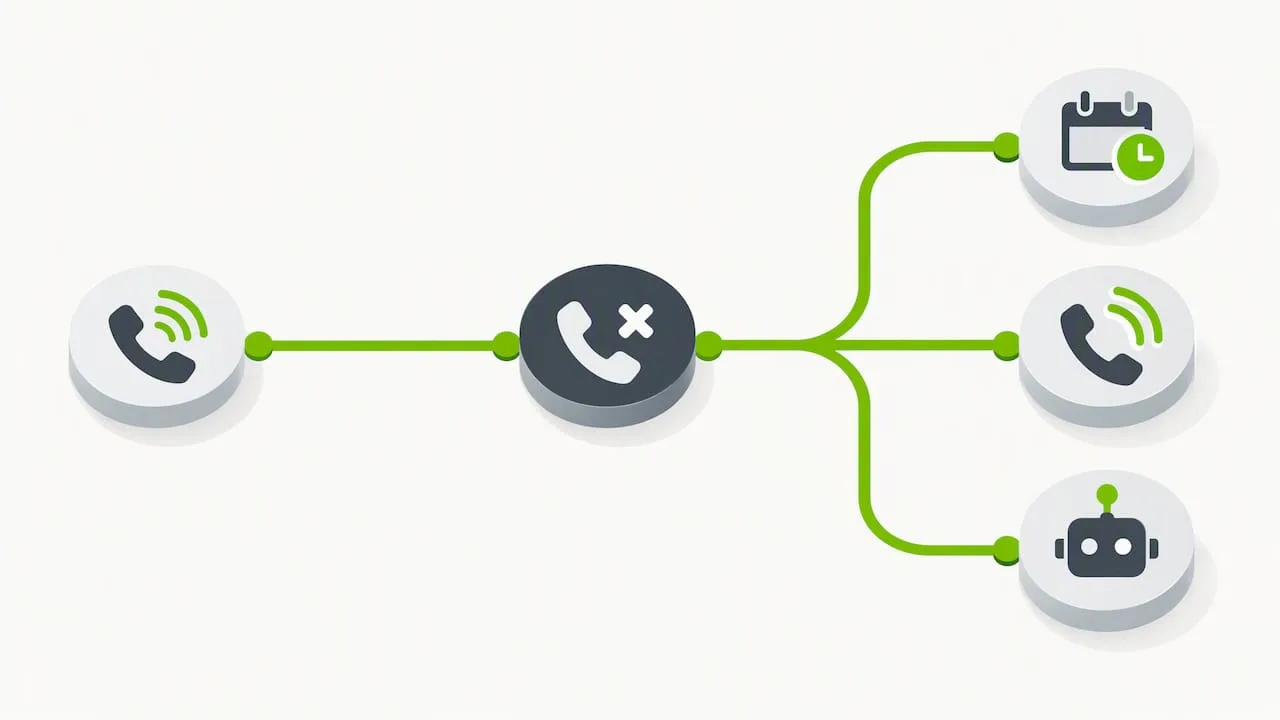
Build fallback paths for every transfer attempt: offer a callback, retry to an alternate number or queue, or route the caller back to an automated agent rather than dropping the line. FTC staff guidance has addressed a related scenario, concluding that transferring a consumer-initiated call to a prerecorded message generally doesn't convert that call into outbound telemarketing, since the consumer placed the call. Document your workflow either way.
What to Evaluate in Transfer Tools and Setup
Before picking a system, look at the feature categories that actually support live transfers: AI receptionists or virtual agents for initial call handling, SIP trunking for the underlying connection, CTI or softphone tools for the agent desktop, CRM integrations for context handoff, and queue or overflow logic for busy periods.
When you demo a platform, test these specifically:
- How fast does the CRM pop load with caller details?
- Does the transfer acceptance flow let agents preview who's calling before picking up?
- Can the system transfer externally, to a cell phone or a different company line?
- Is there audit logging so you can review what happened on a failed transfer?
Deployment choices generally trade speed for control: a hosted AI receptionist gets you running fast, while deeper PBX integration takes longer but gives more customization. Smart routing rules matter either way, since the logic behind who gets transferred where is what actually determines call outcomes.
How an AI Receptionist Automates the Handoff
An AI receptionist can detect transfer-worthy moments automatically: it recognizes a qualified lead or urgent request, compiles a short brief from the conversation, and pushes that context straight to the receiving agent's CRM record before the call connects. Most setups go live quickly, with overflow answering active within 48 hours of setup and coverage running continuously after that.
- Fewer missed calls during busy hours or after-hours gaps
- Smoother handoffs since agents start with context, not a blank slate
- Better lead capture since no qualified caller sits on hold unanswered
When a Warm-Transfer Program Is Worth Building
We'd invest in a full warm-transfer program when your business is appointment-driven and each lead carries real lifetime value, like home services, medical offices, or property management. The briefing step pays for itself when a missed detail means a lost client relationship.
For lower-volume or lower-stakes calls, a callback-first flow is often simpler and just as effective. Ask yourself three questions before building anything elaborate: how many qualified calls do you get weekly, what's your actual close rate on warm versus cold handoffs, and do you have staff available to receive transfers consistently during business hours.
— Serhii
How RingPort Handles Live Transfers for Service Teams
We designed our AI receptionist to support small service teams that can't staff a receptionist around the clock but still need every qualified caller routed correctly. The AI answers calls continually, decides whether a caller needs a warm or cold transfer, pulls relevant details into the CRM, and routes across multiple locations or queues without a person managing it live.
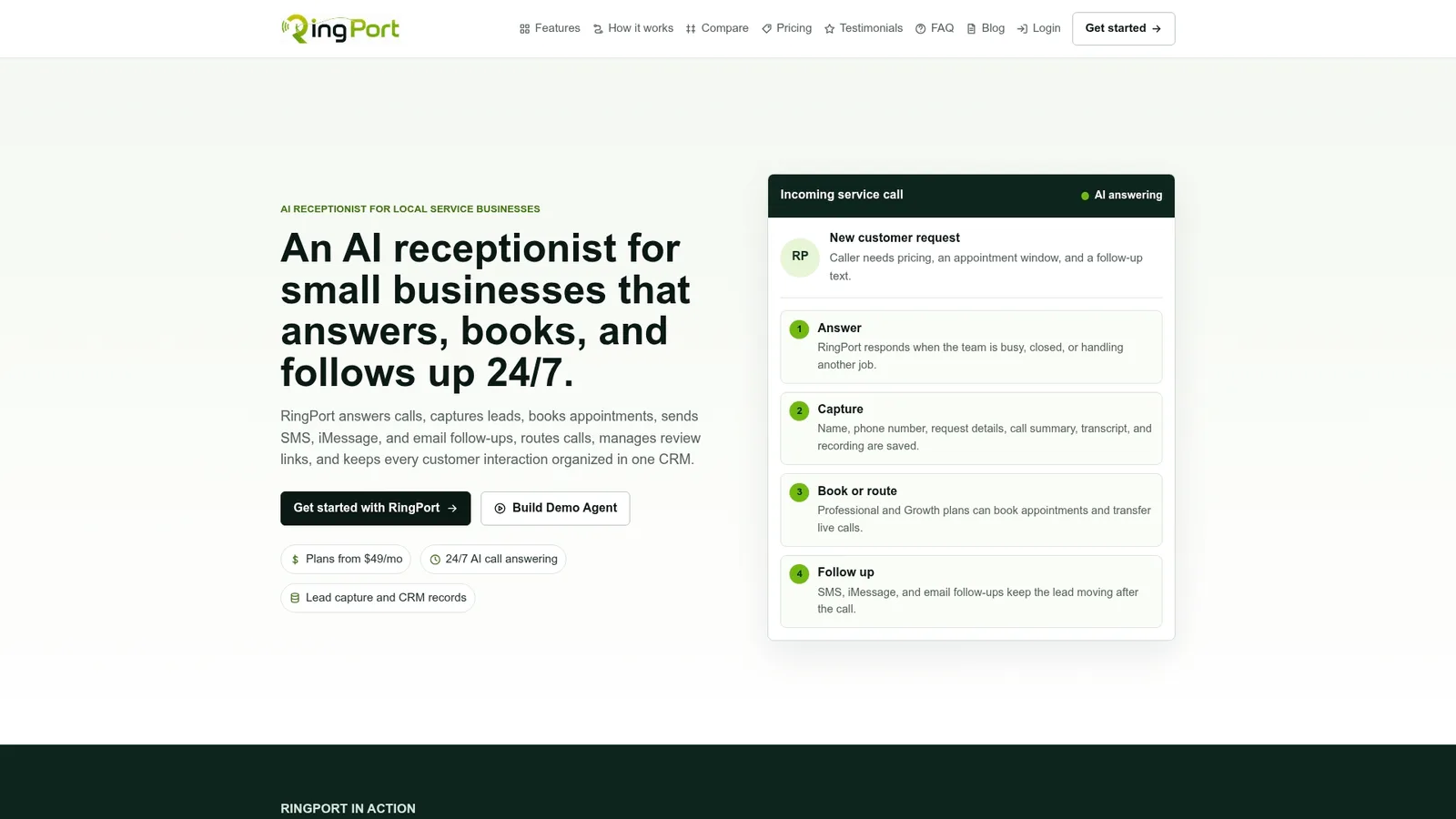
Setup typically runs fast since there's no phone hardware to install, and overflow coverage can be active within days. Our Starter plan starts at $49 per month, with Professional and Growth tiers available for teams handling higher call volume. If you want to see how transfer routing works in practice, take a look at RingPort's Fast Agent or explore the plans directly.
FAQ
What are the three types of call transfer?
The three common types are warm (agent-assisted, with a briefing step), cold (blind, no briefing), and hybrid or scripted transfers, where an automated system gathers details before bridging the call. Each fits different situations depending on how much context the receiving agent needs.
What does a live call mean?
A live call means an active, real-time phone conversation between a caller and an agent, as opposed to a voicemail, automated message, or recorded interaction. A live call transfer moves that active conversation to another person without the caller hanging up.
What is the best app for transferring phone calls?
The right choice depends on your setup: businesses using an AI receptionist for call answering and routing, like RingPort, get built-in transfer logic alongside CRM context, while teams with existing PBX systems may rely on SIP-based transfer features in their current phone provider. Look for CRM integration, fallback handling, and fast CRM pop speed when comparing options.
What do you say when transferring a call?
A good warm-transfer script briefs the receiving agent before connecting: state the caller's name, what they need, and any qualifying details already gathered, then confirm the agent is ready before bridging the line. Keeping it brief avoids a long, awkward hold for the caller.
Sources
- One-to-One Consent Rule for TCPA Prior Express Written Consent — FCC
- Staff Opinion Letter Re Transfers to Recordings — FTC
- Warm transfers — Production Telephony Patterns | LiveKit Academy
- LiveKit telephony: transfers